
CapCut 字幕替代方案短影音字幕字幕時間軸調整
不必開啟完整影片編輯器,也能為短影音加上字幕
CapCut 把字幕當成大型編輯器裡的其中一項工作。CloudCap 則把整段流程收斂成四個動作——產生帶時間軸的字幕、修正文字、挑選樣式、匯出。看看哪一種範圍更貼近你真正要完成的工作。
 CloudCap
學習如何製作讓人停下滑動的影片、讓字幕更醒目,並節省數小時的剪輯時間
CapCut 把字幕當成大型編輯器裡的其中一項工作。CloudCap 則把整段流程收斂成四個動作——產生帶時間軸的字幕、修正文字、挑選樣式、匯出。看看哪一種範圍更貼近你真正要完成的工作。
CloudCap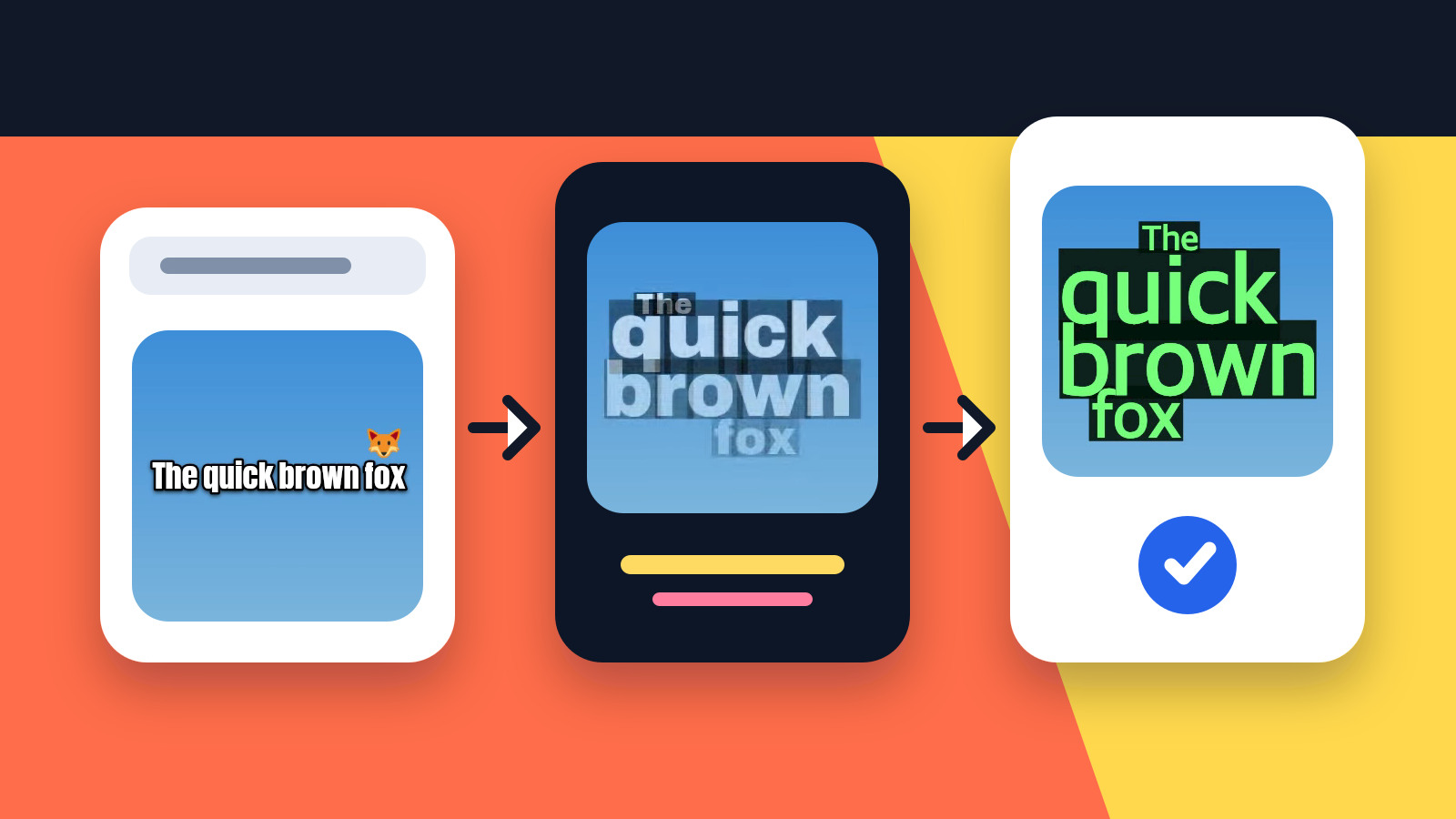
Three ways to get the text in — generate it from speech, type it yourself, or import a subtitle file — then one review pass that fixes the wording, lands the timing, and settles the style before you export.
CloudCap
A subtitle generator can look flawless in a demo and still fall apart on your footage. Seven checks — text, timing, typography, animation, language, export, reusable styling — settle it on one clip of your own.
CloudCap
用 CloudCap 的文字雲版面、自動特效與音效,以及參考風格複製,做出更有表現力的字幕。與 Captions 比較工作流程。
CloudCap
了解 CloudCap 作為 Submagic 替代方案:文字雲字幕、自動特效與音效,以及從參考素材複製字幕外觀。
CloudCap
字型、字級、外框與時間軸——讓觀眾停下手指的字幕背後,究竟藏著哪些數字、為什麼重要,以及如何一鍵套用同樣的高級質感,而不是每支影片都從頭調一次。
CloudCap